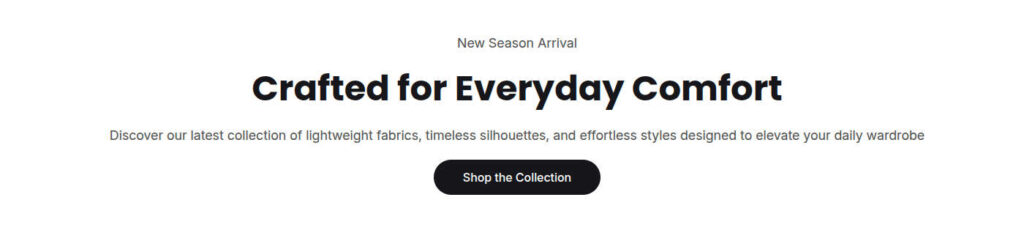
Flexible Section
The Flexible Section is a highly versatile layout container that allows you to build custom section designs with full layout control. Think of this section as a canvas: you can add any number of blocks, duplicate them as needed, and reorder them to build your custom layout.
It supports all native Theme Blocks as well as App Blocks.
You can recreate or extend any of these layouts using this single too.
Pre-Configured instances of the Flexible section.
- Announcement bar
- Multicolumn
- Richtext
- Newsletter
Layout Modes
The outer wrapper of the Flexible Section can be configured as Block, Flex, or Grid. Selecting a layout mode unveils tailored layout controls to help you structure your design:
Configuration Settings
| Settings | Default | Description |
|---|---|---|
| Layout | ||
| Padding inline | ||
| Padding bottom | 48px | Controls the bottom vertical margin below the section. |
| Background | None | Sets the section background style. Options: None, Solid, or Gradient. |
| Full width | False | Expands the container to stretch 100% across the viewport width when enabled. |
| Display | ||
| Display | Block | Controls the CSS layout behavior. Options: Block, Flex, or Grid. |
| Gap | 20px | Defines the item spacing applied between child blocks across all display modes. |
Flex controls (Active when Display is set to Flex) | ||
| Direction | Horizontal | Determines child flow direction. Options: Horizontal (row) or Vertical (column). |
| Alignment | Stretch | Controls cross-axis alignment (align-items). Options: Start, Center, End, Stretch. |
| Distribution | Start | Controls main-axis distribution (justify-content). Options: Start, Center, End, Space between, Space around, Space evenly. |
| Equal width | False | Forces all child flex blocks to distribute available width equally. |
| Grid controls (Active when Display is set to Grid | ||
| Columns | 4 | Sets the total column track count for grid layouts. |