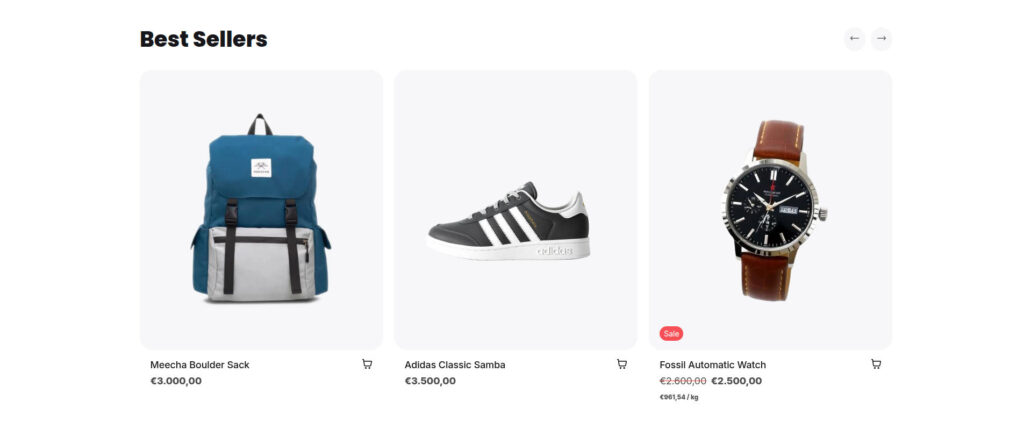
Product grid
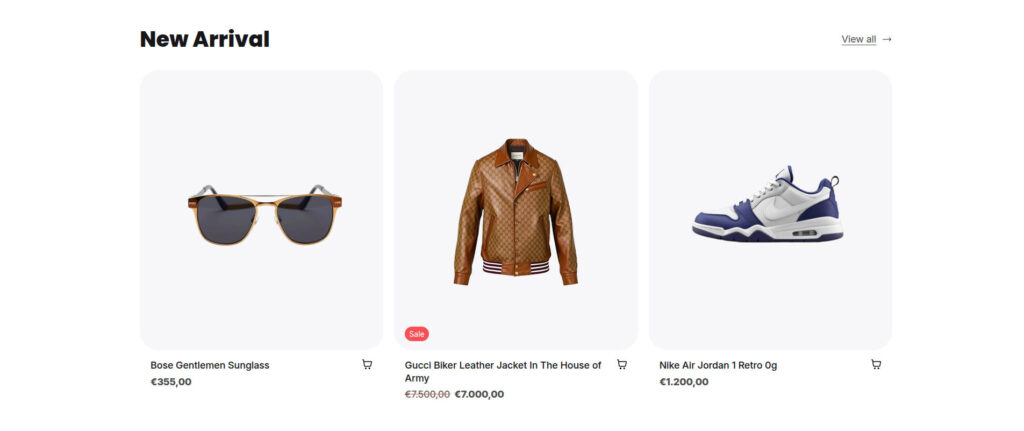
The Product grid section lets you showcase products from a selected collection. Display the products in a grid or carousel layout to highlight featured items, new arrivals, seasonal collections, and more.
Settings
| Settings | Default | Description |
| Layout | ||
| Padding top | 48px | Sets the spacing above the section |
| Padding bottom | 48px | Sets the spacing below the section |
| Collection | ||
| Heading | Heading | Sets the title of the section, such as “New Arrivals” or “Summer Collection“ |
| Collection | Home | Select the collection whose products will be displayed |
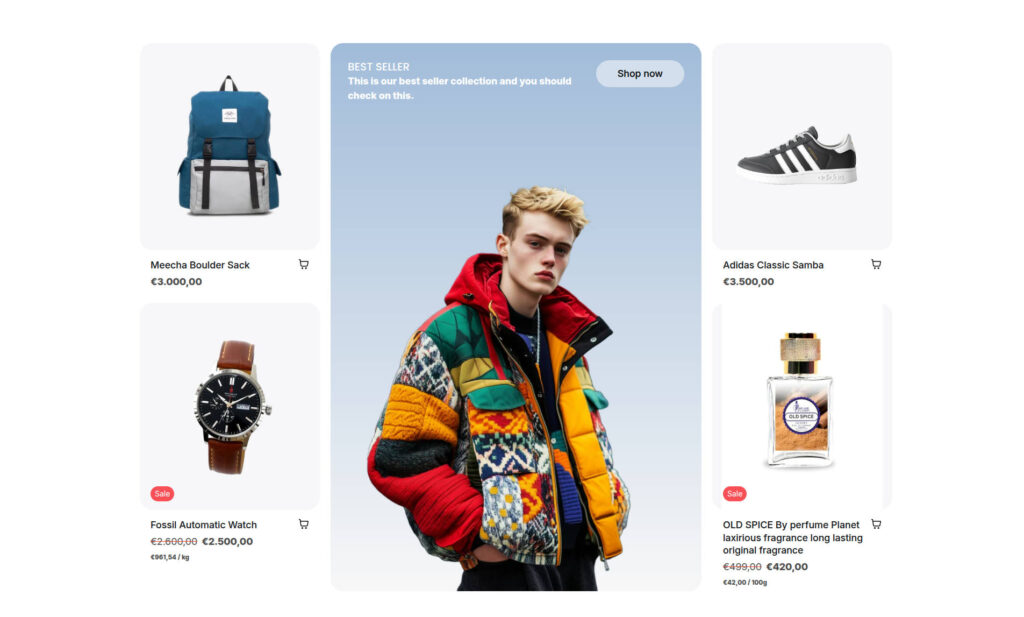
| Layout | Grid | Choose how products are displayed: Grid Grid with collection card Carousel |
| Product count | 3 | Visible if Layout = Grid. Specifies the number of products to display |
| Columns | 3 | Visible if Layout = Grid. Sets the number of columns in the grid |
| View all | True | Visible if Layout = Grid. Displays a View All link that takes customers to the selected collection page |
| Card radius | 24px | Sets the border radius of each product card displayed in the section |
Product grid with collection card
Product grid with carousel