
Collection grid
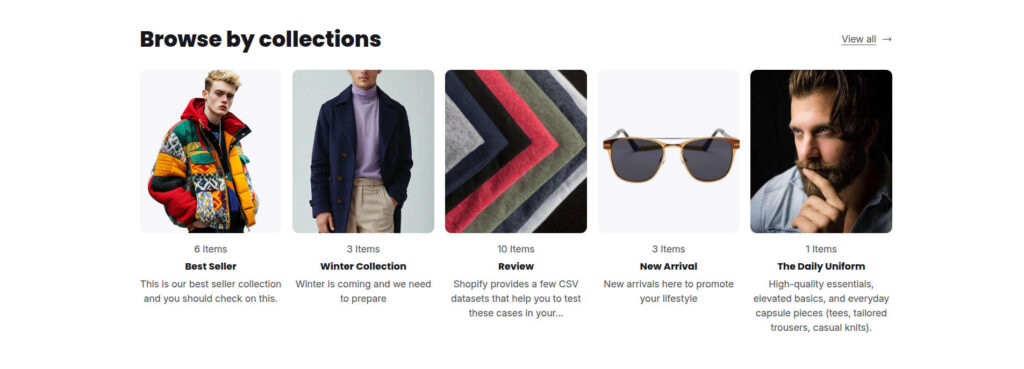
The Collection Grid section lets you showcase your store’s collections in a clean, organized grid. You can choose to display all collections or select specific collections to feature.
Each collection card displays the following information:
- Collection image
- Collection title
- Number of products in the collection
- Collection description
Section Settings
| Settings | Default | Description |
|---|---|---|
| Layout | ||
| Padding top | 48px | Sets the spacing above the section |
| Padding bottom | 48px | Sets the spacing below the section |
| Browse by | ||
| Heading | Heading | Sets the heading for the section, for example “Browse by Collection” or “Shop by Category“ |
| Columns | 5 | Sets the number of collection cards displayed per row |
| Collection scope | All | Choose whether to display all collections or only selected collections |
| Item count | True | Show collection item count |
| Name | True | Show collection name |
| Description | False | Show collection description |