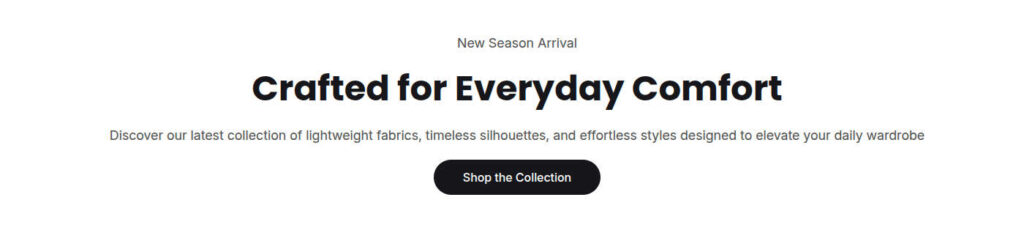
Rich text

The Rich Text section lets you create eye-catching content areas such as call-to-action banners, introductory sections, or simple content blocks.

By default, the section includes the following blocks:

  • Heading
  • Text
  • Button

You can add multiple blocks of each type and rearrange them in any order to create the layout that best suits your content.

Section Settings

SettingsDefaultDescription
Layout
Padding top48pxSets the spacing above the section
Padding bottom48pxSets the spacing below the section
Content positionCenterPosition of the elements
Content alignmentCenterControls the horizontal position of the content within the section
SchemeScheme 1Select one of the predefined color schemes
Full widthTrueExpands the section to the full width of the browser (edge to edge)

Block settings

Heading block

SettingsDefaultDescription
HeadingHeadingThe main heading displayed in the section. For example: “Discover Our Brand”
Heading size5xlSets the size of the heading

Text block

SettingsDefaultDescription
TextTextThe body text displayed beneath the heading. For example: “Welcome to our brand.”
Text sizeMediumSets the size of the text

Buttons block

SettingsDefaultDescription
Button labelButtonThe text displayed on the button
Button linkEmptyThe destination URL, when the button is clicked
Button typePrimarySelect the button style: PrimaryOutlineAccentLightLink